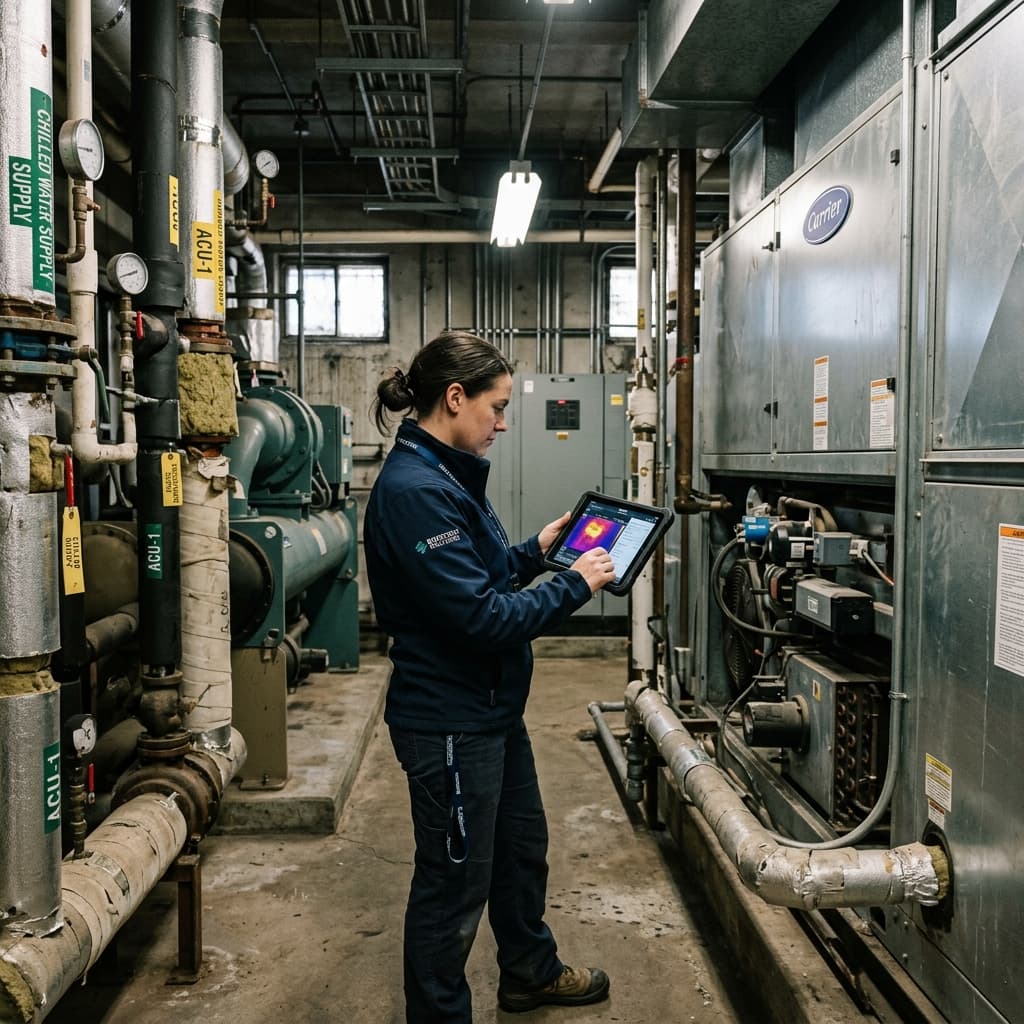
One thing we consistently heard while talking with professionals in building analysis, energy auditing and modelling was this:
"Geometry alone is not always enough."
Even with accurate LiDAR scans and reconstructed building models, there are still many real-world observations that matter during field data collection. Equipment conditions, installation quality, inaccessible corners, unusual layouts, verbal notes from technicians, environmental context — these details often become important later during modelling, verification and reporting.
Most current scanning workflows separate these processes completely.
Teams usually perform the scan first, then later manually organize photos, videos, voice notes and observations across different platforms or folders. That not only slows down documentation, but also reduces confidence in how well the collected evidence actually maps back to the scanned building geometry.
So we decided to integrate evidence capture directly into the scanning workflow itself.
Introducing Integrated Field Evidence Capture
We recently added a new capture system directly inside the Energy Intelligence LiDAR scanning workflow.
The idea was simple:
While scanning a building, professionals should be able to instantly capture contextual evidence without stopping the scan session or breaking workflow momentum.
The interaction is intentionally lightweight and intuitive:
- A single tap instantly captures a photo during the active LiDAR scan
- A longer press starts video + audio recording directly within the same session
- Releasing stops the recording while scanning continues normally
Everything captured during the session becomes associated with the building scan and gets synchronized back to the Energy Intelligence web dashboard alongside the generated building model.
This creates a much stronger connection between spatial geometry data and real-world field evidence.
Why This Matters
In building analysis workflows, confidence in collected data is extremely important.
A reconstructed model may accurately represent geometry, but field evidence provides another layer of trust and context that helps auditors, modellers and reviewers better understand the building itself.
For example:
- Capturing HVAC equipment conditions during the scan
- Recording verbal observations while walking through mechanical rooms
- Documenting insulation conditions or inaccessible spaces
- Preserving installation details for later verification
- Providing visual proof tied directly to scanned geometry
Instead of relying purely on memory or disconnected media folders, the evidence becomes part of the scanning session itself.
This becomes especially valuable when projects are reviewed later by different analysts, QA teams or clients.
Designed Around Real Workflow Friction
A big part of our tooling philosophy is reducing friction inside actual field workflows.
Many software systems focus heavily on final outputs while underestimating the importance of data collection practicality in real environments.
But when you spend time talking with professionals conducting scans every day, you notice something quickly:
Small workflow interruptions compound heavily.
Stopping a scan to open another app, organize photos later, rename files manually or explain undocumented observations creates unnecessary overhead that slows down the entire process.
This feature aims to remove that friction.
The goal is not simply adding media capture — it is making documentation naturally integrated into spatial data collection itself.
Moving Toward Richer Building Intelligence
As we continue developing Energy Intelligence tooling, one major focus area is building richer relationships between geometry, equipment, environmental context and field observations.
A building is more than a 3D mesh.
The more contextual intelligence we can preserve during capture, the more useful the downstream analysis, modelling and verification workflows become.
This new integrated evidence capture system is one small step toward that larger vision.
Experience Energy Intelligence
See what software that truly disappears into the workflow looks like. Book a demo and try it on your next project.
Book a Demo